Tips, updates, and insights about screenshot intelligence and productivity.
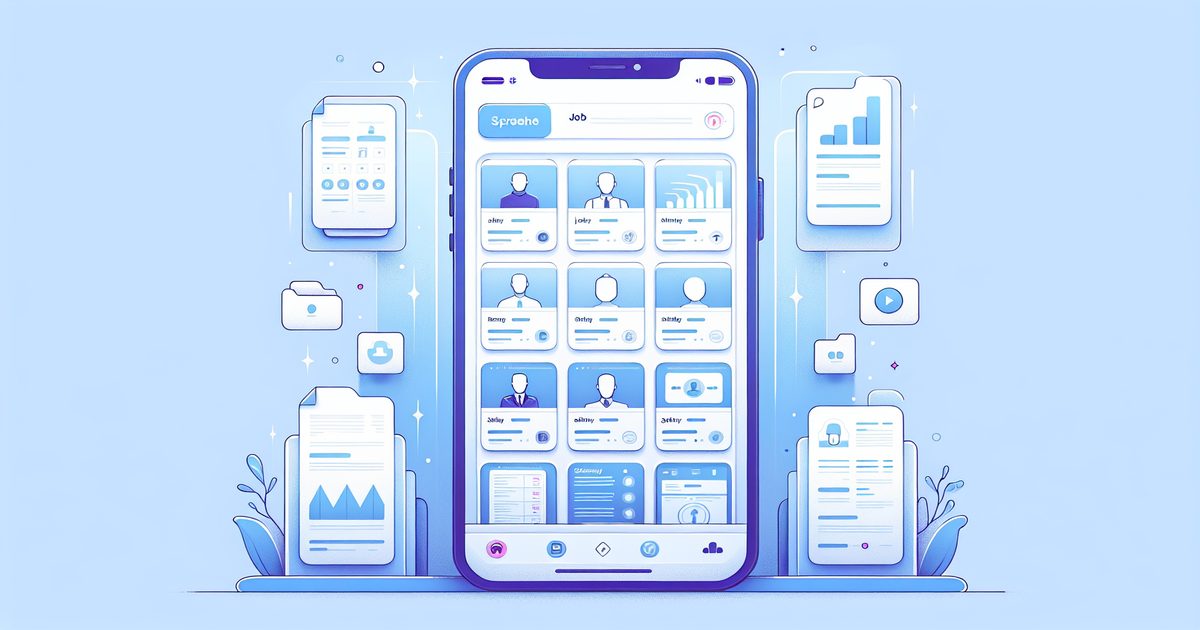
Learn how to organize job search screenshots on iPhone—save job postings, salary data, and company research so you're always interview-ready.
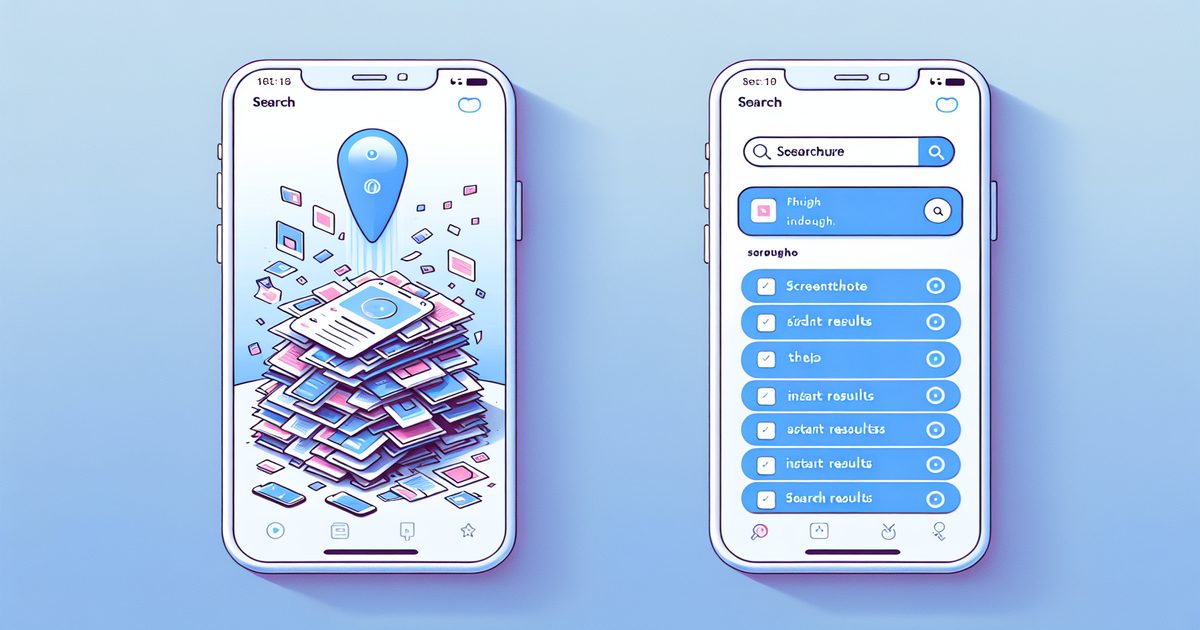
Scrolling through 2,000 screenshots to find one from months ago? Here are the best ways to search old iPhone screenshots—fast.
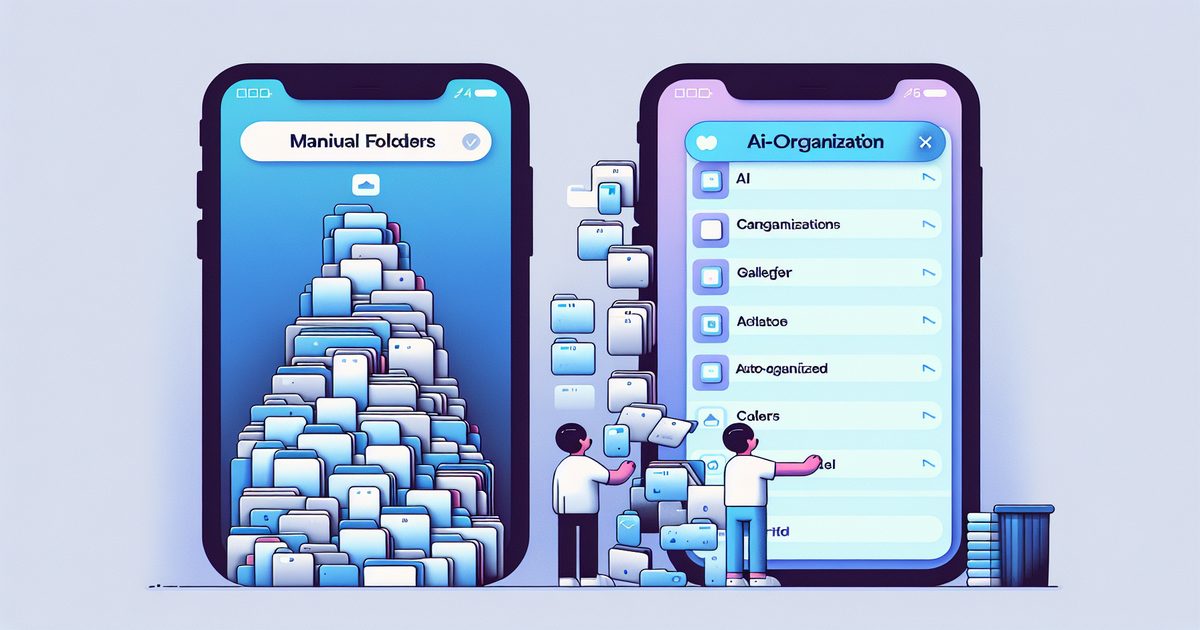
Manual folders or AI automation? We compare both approaches to iPhone screenshot organization so you can stop wasting time and start finding what you need.
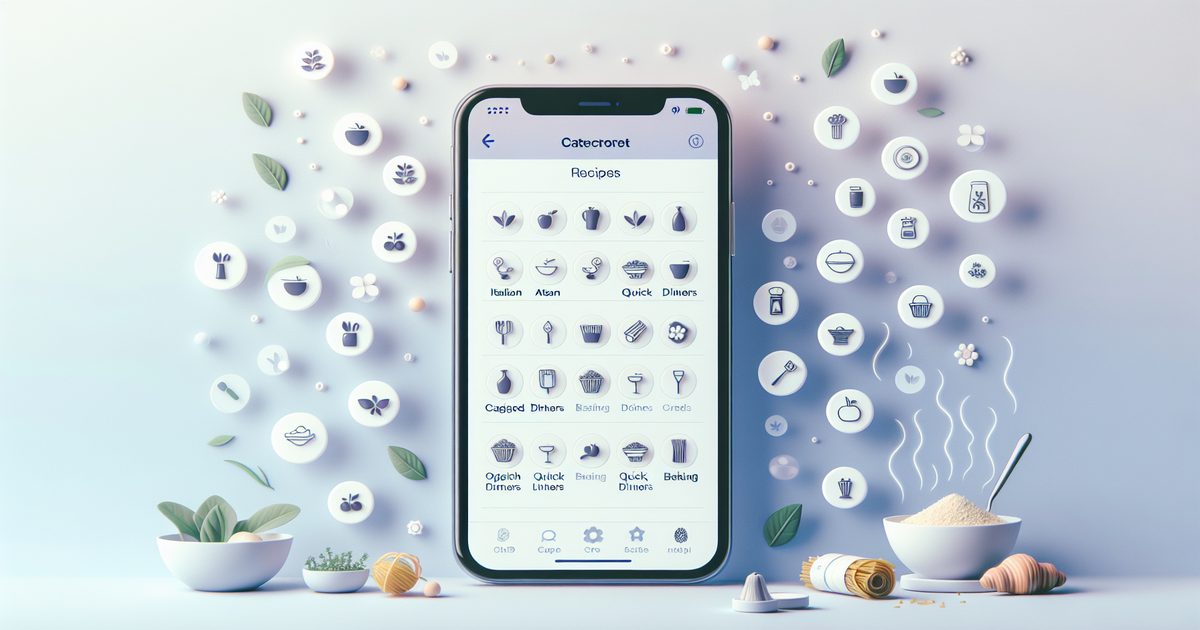
Tired of losing recipe screenshots in your iPhone camera roll? Learn how to organize cooking screenshots by dish, ingredient, and cuisine with AI.
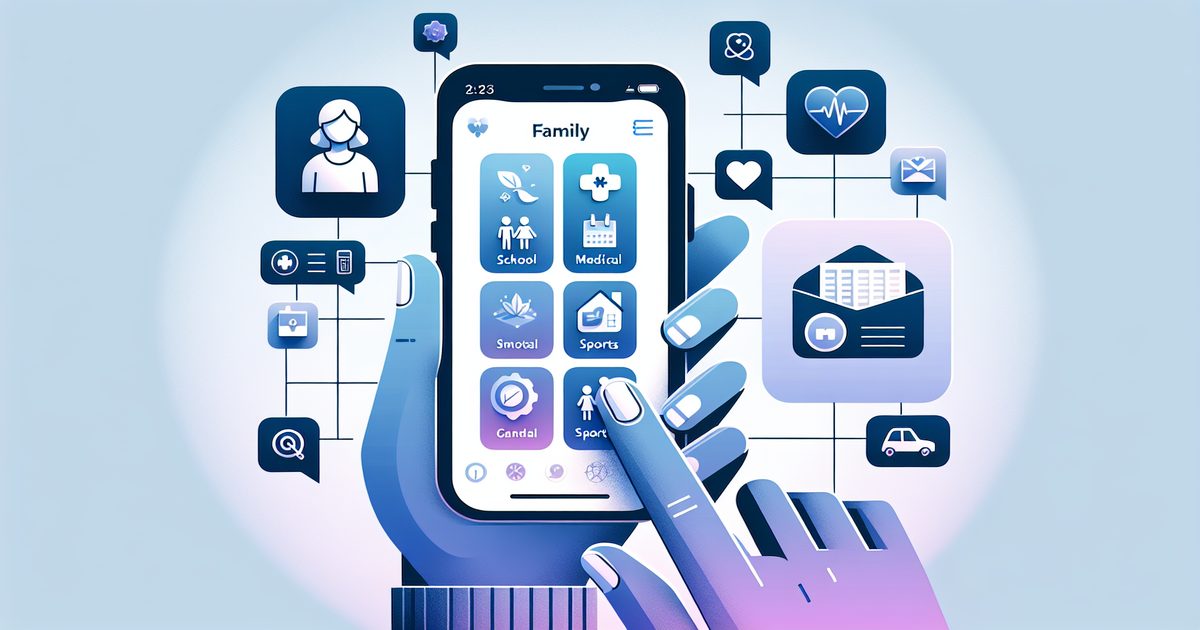
Stop losing school schedules, doctor notes, and kids' activity info buried in your camera roll. Here's how parents can organize family screenshots on iPhone.
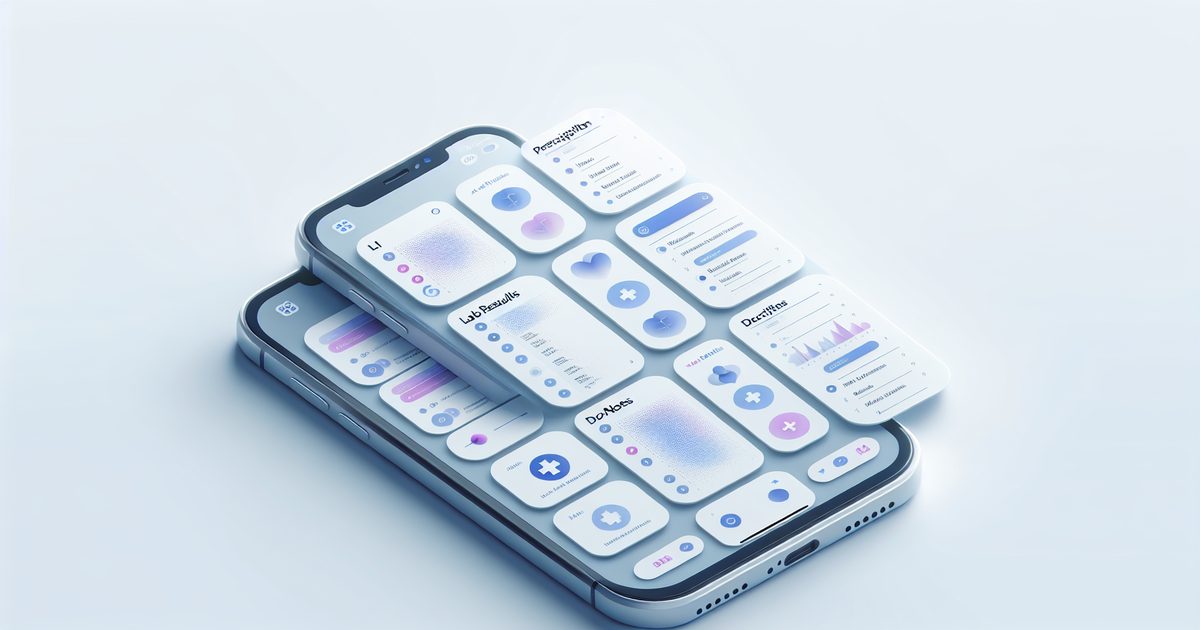
Stop losing lab results, prescription info, and doctor notes in your photo roll. Here's how to organize health screenshots on iPhone so they're always findable.
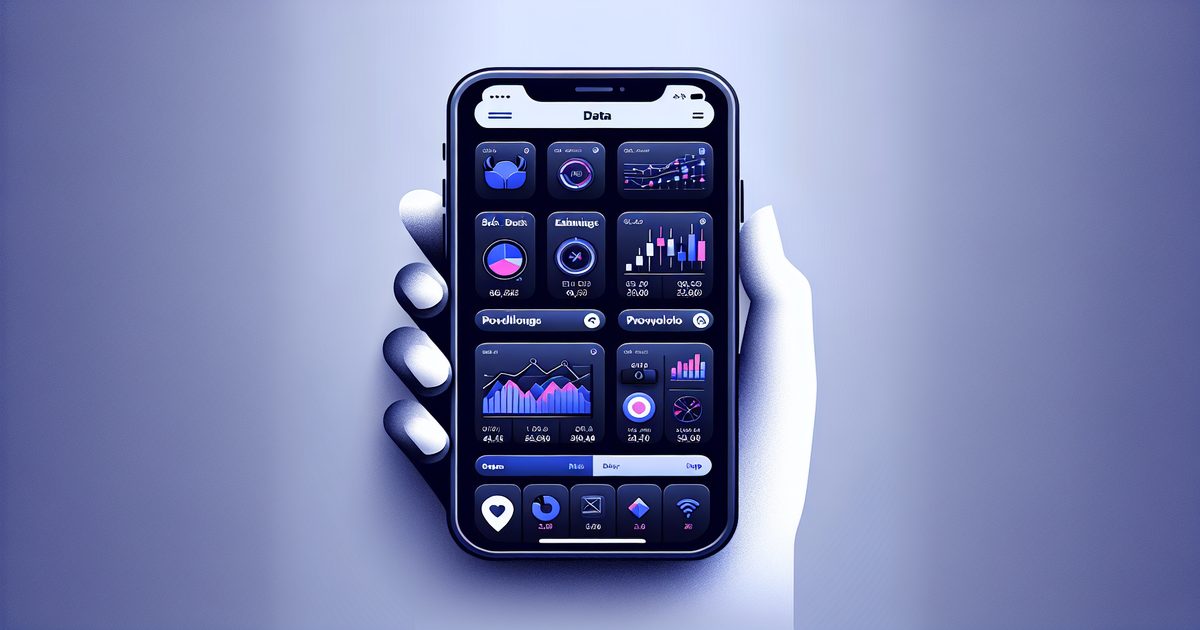
Learn how savvy investors manage stock charts, earnings screenshots, and market research on iPhone using AI-powered organization tools.
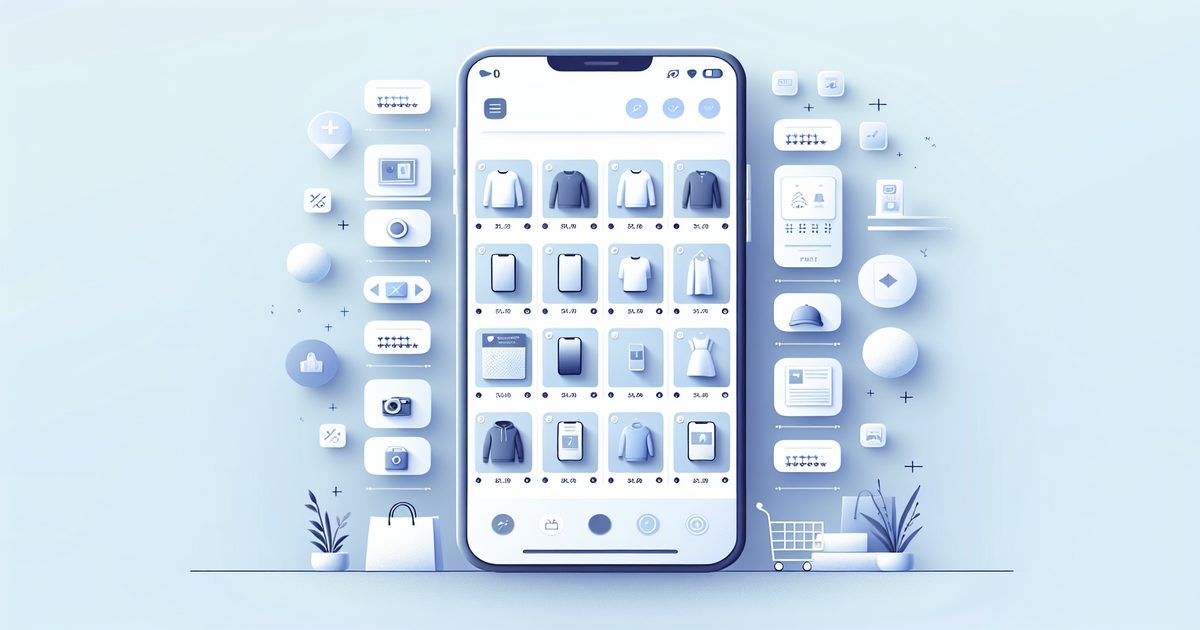
Stop losing product screenshots in your camera roll. Learn how smart online shoppers organize shopping screenshots on iPhone to build the ultimate digital wishlist.
Developers and designers take hundreds of UI screenshots for inspiration and bug docs. Here's how to finally organize them without losing your mind.
Discover how successful founders and product managers organize iPhone screenshots for competitive research, market insights, and product decisions using AI.
Travelers take hundreds of screenshots per trip — but finding them mid-journey is chaos. Here's the smart way to organize travel screenshots on iPhone.
Freelancers juggle screenshots from dozens of clients. Learn how to organize client screenshots on iPhone by project using AI — no more digging through your camera roll.
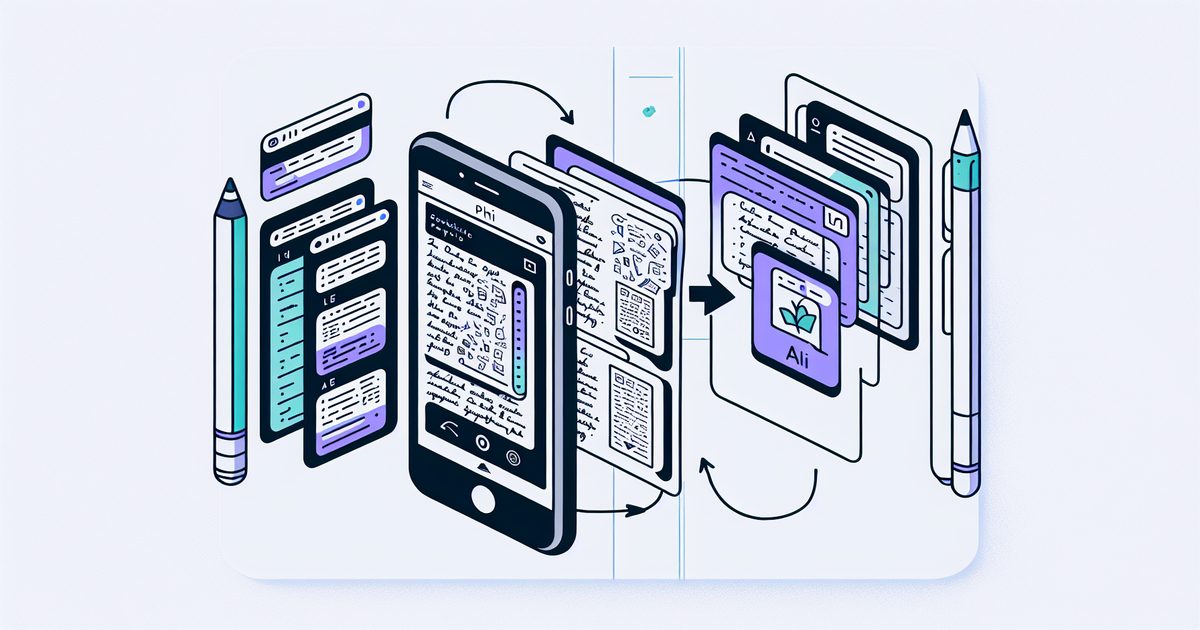
Discover how SuperShots AI uses on-device OCR and cloud AI to transform your messy screenshot gallery into an organized, searchable knowledge base.
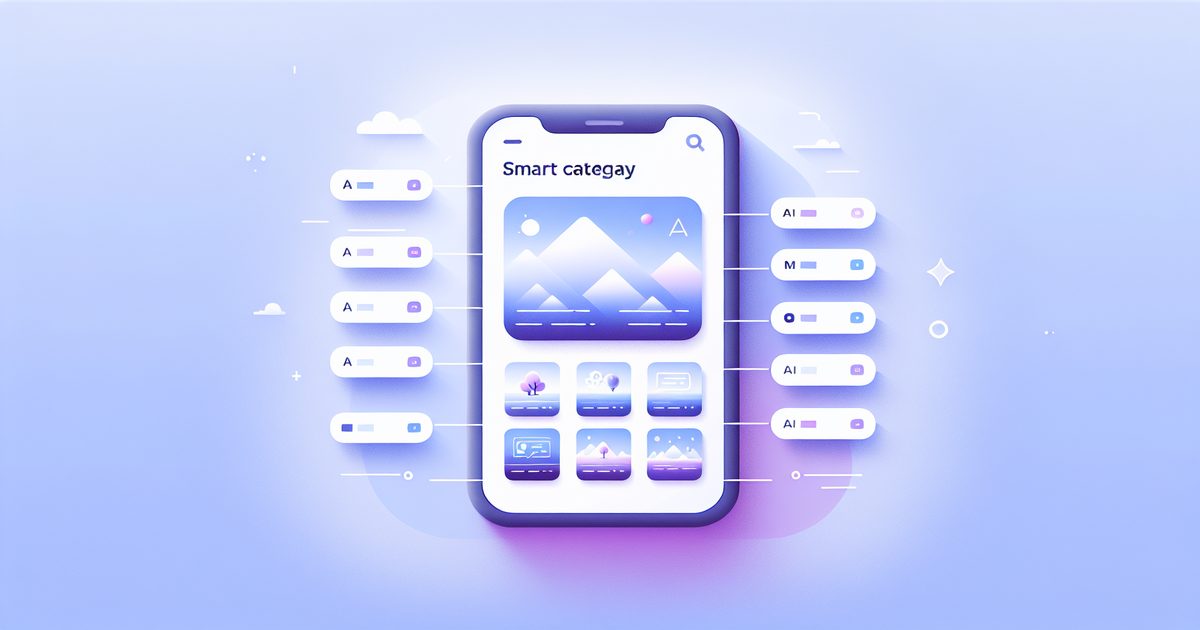
Recipes, receipts, travel plans, work notes, health info—discover the 7 screenshot categories iPhone users accumulate and how AI can finally make them findable.
Students screenshot lecture slides, diagrams, and PDFs constantly—but can never find them later. Here's how to turn your iPhone screenshot chaos into a searchable study library.
Turn your chaotic camera roll into a searchable study library. A practical guide for students who screenshot lecture slides, PDFs, and notes on iPhone.
Stop losing screenshots in your iPhone's photo library. Learn how AI-powered automatic organization turns your screenshot chaos into a searchable knowledge base.