You've been there. You take a screenshot because you know you'll need it later — a recipe, a confirmation number, a product you liked — and three weeks later you're scrolling through hundreds of images trying to find it. Sound familiar?
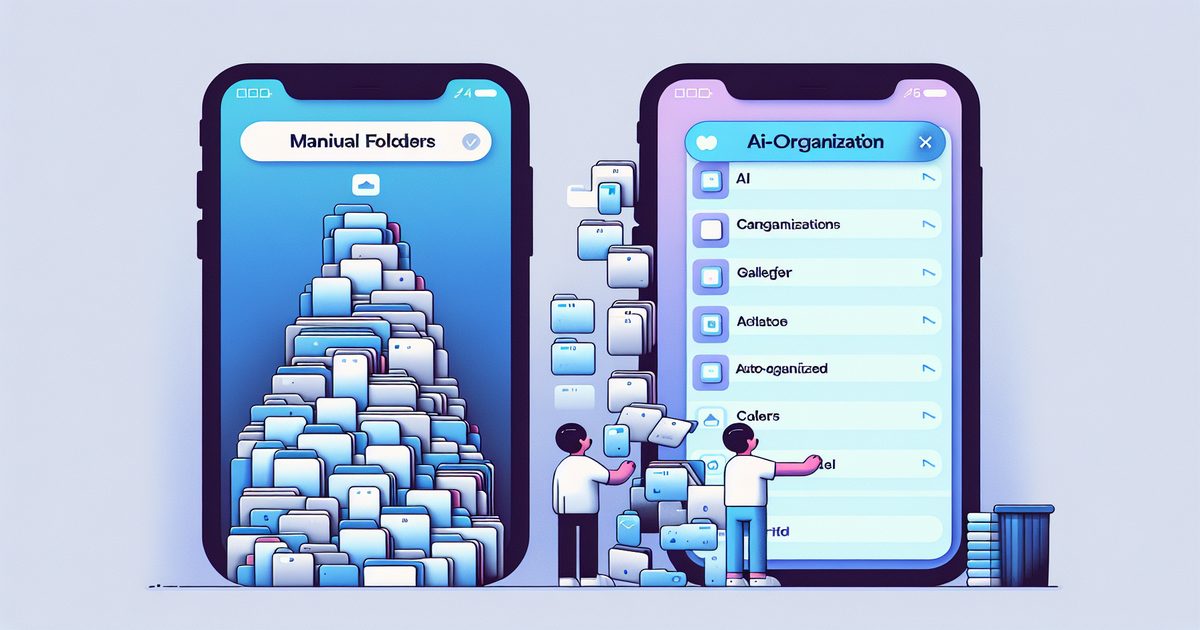
This is the central problem of iPhone screenshot organization. And there are two very different ways to solve it: the manual approach (folders, albums, labeling by hand) or the AI-powered approach (letting an app automatically categorize and surface your screenshots for you).
Which one actually works? Let's break it down honestly.
The Manual Approach: Full Control, High Effort
Manual organization means you're in charge. After taking a screenshot, you create albums in the Photos app, drag images into them, maybe rename them, and keep up with everything over time.
What manual organization looks like in practice
- Create named albums: "Recipes," "Work," "Travel," "Shopping"
- After every screenshot, open Photos → tap Share → Add to Album
- Periodically review your Screenshots album and sort anything that piled up
- Delete what you no longer need
The appeal: You know exactly where everything is. Your system reflects your categories, not an algorithm's guess.
The hidden cost of going manual
Here's the math no one talks about. If you take 10 screenshots a day and spend just 20 seconds sorting each one, that's over 20 minutes a week — or roughly 18 hours a year — just filing screenshots.
And that assumes you actually do it. Most people don't. The reality? Screenshots pile up in the default album until there are thousands, and the manual system collapses under its own weight.
According to a 2024 survey, the average iPhone user has over 1,200 screenshots in their camera roll — and can't find more than 40% of them when needed.
The manual method works beautifully for people who are disciplined and take few screenshots. For everyone else, it's a good intention that rarely survives contact with real life.
The AI Approach: Low Effort, Smart Results
AI-powered screenshot organization flips the equation. Instead of you filing screenshots, the app reads what's in each image — using on-device OCR and machine learning — and automatically categorizes them.
What AI organization looks like in practice
- Take a screenshot (any screenshot)
- Open the app: it's already been read, categorized, and tagged
- Search by keyword, browse by category, or filter by topic
- Find what you need in seconds
No manual steps. No discipline required.
What makes AI organization genuinely useful
1. Text search that actually works
Because AI reads the content of your screenshots, you can search for a word that appeared inside an image. "Confirmation number," "hotel address," "promo code" — if it was in the screenshot, you can find it.
2. Automatic categories
Recipes, receipts, travel info, work content, shopping — the AI recognizes what type of content each screenshot contains and groups them accordingly, without you lifting a finger.
3. It doesn't fall behind
The biggest failure mode of manual organization is the backlog. AI systems process every screenshot as it comes in. There's no pile-up, no weekend "I'll sort these later" that never happens.
Head-to-Head Comparison
| Factor | Manual | AI (e.g. SuperShots) |
|---|---|---|
| Setup time | Medium (create albums) | Minutes |
| Ongoing effort | High (sort every screenshot) | Zero |
| Searchability | Limited to album names | Full text + semantic search |
| Works on backlog | Manual batch effort | Automatic |
| Privacy | Local only | On-device OCR, images deleted in seconds |
| Cost | Free | App subscription |
| Best for | < 5 screenshots/day | Heavy screenshot users |
When Manual Organization Still Makes Sense
To be fair, manual organization is not obsolete. It is the right choice when:
- You take very few screenshots (less than 5 per day)
- You have a highly specific personal system that no AI could replicate
- You are working with sensitive images and want zero cloud involvement whatsoever
- You are already disciplined about your digital organization
If your screenshots folder has fewer than 200 images, manual might serve you just fine.
When AI Organization Is the Clear Winner
AI becomes the obvious choice when:
- You take screenshots constantly — for work, shopping, research, travel
- You have let the backlog grow past a few hundred images
- You need to find specific information quickly (a price, an address, a code)
- You have tried the manual system and it never sticks
- You want your knowledge to be searchable, not just archived
This is the sweet spot that apps like SuperShots AI are built for. It uses Apple Vision Framework to perform OCR entirely on-device, then organizes your screenshots into a searchable knowledge base — automatically.
The images themselves are processed and deleted from the server within 3 to 10 seconds, so privacy is not a concern.
The Hybrid Reality: What Most Power Users Do
Interestingly, the people who manage their screenshots best usually combine both approaches. They use an AI app as their primary system — for automatic intake, categorization, and search — but occasionally create manual collections for specific projects.
Think of it like email: AI filters do most of the heavy lifting, but you still manually create folders for important projects.
FAQ: Manual vs AI Screenshot Organization
Can I use both approaches at the same time? Yes. You can keep the native iOS Screenshots album for quick access while using an AI app like SuperShots as your long-term knowledge base. They do not interfere with each other.
Is AI screenshot organization private? With SuperShots, OCR processing happens on your device using Apple Vision Framework. When images are uploaded for AI analysis, they are automatically deleted from the server within 3 to 10 seconds. Your content is never stored or used for training.
Does AI organization work on old screenshots too? Yes. SuperShots can scan your existing screenshot library and retroactively organize your backlog — not just new screenshots going forward.
How much time does AI organization actually save? If you take 10 or more screenshots a day, AI organization can save you 15 to 30 minutes per week compared to manual sorting. Over a year, that adds up to 12 to 26 hours.
Which Should You Choose?
The answer depends on your screenshot habits.
If you are an occasional screenshot taker with a disciplined system, manual works fine. But if screenshots are part of how you capture ideas, track information, and remember things — you are effectively building a knowledge base, and it deserves a proper tool.
SuperShots AI turns the chaos of an iPhone camera roll into a searchable, organized library — automatically. No manual sorting, no lost confirmations, no scrolling through 800 images to find one recipe.
Try it and see how much time you have been leaving on the table.