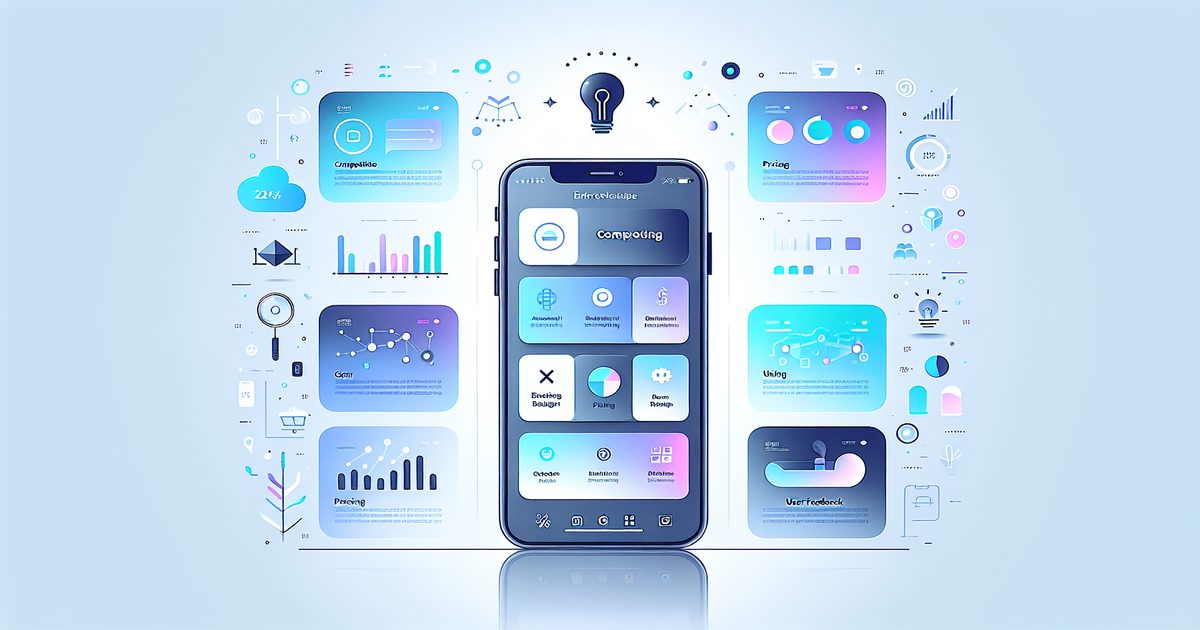
Every founder has that moment. You're scrolling through a competitor's app, spot a clever onboarding flow, and think: "I need to screenshot this." Then you do it again for their pricing page. Then their settings screen. Then the email you just got from them as a "user." Then an investor thread you found on Twitter. Then a Slack message from a potential customer describing exactly the problem you're solving.
Six months later, your iPhone Camera Roll is a graveyard of 1,400 screenshots. And you have absolutely no idea where the clever onboarding one is.
Sound familiar? You're not alone. In the r/Entrepreneurship subreddit, this exact question — "How do you organize your screenshots?" — gets hundreds of upvotes every time it's posted. Founders screenshot everything. They just have no system for what comes next.
Why Founders Screenshot So Much (And Why It Gets Out of Hand)
Screenshots are a founder's fastest note-taking tool. They're instant, frictionless, and capture exactly what you see — no reformatting, no copy-pasting. That's why product managers, indie hackers, and startup founders accumulate them faster than any other type of file on their phone.
Here's what typically ends up in a founder's screenshot pile:
- Competitor UI flows — onboarding screens, paywall designs, checkout patterns
- Pricing pages — competitor pricing captured on a specific date for benchmarking
- App Store reviews — customer complaints and praise from competitor listings
- Investor content — pitch deck slides, fundraising announcements, term structures
- User feedback — DMs, Slack messages, forum posts describing real pain points
- Product inspiration — UI patterns, copy ideas, feature implementations worth studying
- Market data — charts, statistics, research snippets grabbed from articles
Each of these categories is gold. Together, unorganized, they're just noise.
The Real Cost of Screenshot Chaos
When your competitive research lives in an unsorted camera roll, you lose more than time. You lose leverage.
According to research by IDC, knowledge workers spend 2.5 hours per day searching for information. For a founder whose competitive intelligence is buried in 1,400 unnamed JPEGs, that number can be even higher.
You end up re-researching things you already captured. You forget the insight you had three months ago when you screenshotted a competitor's pricing change. You go into an investor meeting unable to quickly pull up the competitive landscape slide you assembled from screenshots last week.
The problem isn't that you screenshot too much. The problem is that screenshots have no memory — until now.
How Smart Founders Are Building a Screenshot-Powered Intelligence System
The founders who stay ahead don't necessarily screenshot less. They organize better. Here's the workflow that's gaining traction among product-obsessed builders:
1. Capture everything, immediately
Don't filter yourself at capture time. Spot something interesting? Screenshot it. The discipline comes later. The iPhone's camera roll is your inbox — not your filing system.
2. Process in batches, not one-by-one
Set aside 10 minutes every evening or every other day to process your screenshot inbox. This is where AI-powered organization tools like SuperShots AI become essential.
SuperShots uses on-device OCR (Apple Vision Framework) to read the text inside every screenshot, then applies AI to automatically categorize and label each one. A screenshot of a competitor's pricing page gets tagged as "Pricing" and "Competitor." A screenshot of a user complaint becomes a "User Feedback" entry. You don't have to manually file anything.
3. Search by text, not by scrolling
The breakthrough moment for most founders using SuperShots is realizing they can search the text inside their screenshots. Type "annual plan" and every screenshot mentioning that phrase surfaces instantly. Type a competitor's name and see every piece of competitive intelligence you've captured in one place.
This is fundamentally different from scrolling through a camera roll. It's closer to having a searchable database of everything you've ever found worth capturing.
4. Review before key moments
Before a board meeting, investor call, or product sprint, search your screenshot library for relevant context. In five minutes, you can surface months of competitive research, user feedback, and market data — all from screenshots you already took.
Real Workflows from the Field
Competitive Research Sprint: Before launching a new feature, one founder filters their SuperShots library by competitor name. They find 47 screenshots taken over 8 months — pricing changes, UI iterations, App Store review responses — creating an instant competitive timeline they didn't know they had.
Investor Prep: A PM preparing a Series A deck searches their screenshot library for "market size" and "growth rate." Screenshots of industry reports they captured months ago surface immediately, becoming the basis for the market slide.
Product Discovery: User feedback screenshots from Twitter DMs, Reddit threads, and App Store reviews — all captured separately — get surfaced together by searching for "hate" or "frustrating" or "wish it could." It's instant user research synthesis.
Privacy-First, Always
One concern founders have about any tool that processes their competitive research is: where does this data go?
SuperShots AI is built with a clear answer: your screenshots are processed using Apple's Vision Framework directly on your device. When AI processing happens in the cloud, your images are deleted from SuperShots' servers within 3–10 seconds of processing. Your competitive intelligence stays yours.
Getting Started: From Screenshot Chaos to Competitive Clarity
Ready to turn your screenshot pile into a competitive intelligence asset? Here's how to start:
- Download SuperShots AI from the App Store
- Let the app scan and categorize your existing screenshots (yes, even the 1,400 old ones)
- Search for a competitor's name — and see what you've already captured
- Build a tagging habit for new screenshots as you capture them
The shift from "I screenshot everything and find nothing" to "I screenshot everything and find anything in seconds" is one of the highest-leverage productivity upgrades for founders. It doesn't require more discipline — just better tools.
Frequently Asked Questions
Can SuperShots AI read text inside my screenshots? Yes. SuperShots uses Apple's Vision Framework to perform OCR (optical character recognition) on-device, extracting text from every screenshot you import. This makes your entire screenshot library searchable by content — not just filename or date.
Is my competitive research safe? Could it end up on SuperShots' servers? SuperShots is built privacy-first. On-device OCR means your screenshots never need to leave your phone for text extraction. If cloud AI processing is used for categorization, images are deleted from SuperShots servers within 3–10 seconds. Your data stays yours.
How does SuperShots handle screenshots from different categories — like pricing vs. user feedback? SuperShots AI automatically assigns categories based on visual and text content. A pricing page looks different from a user review, and the AI knows the difference. You can also manually add tags or adjust categories as needed.
Will it work with screenshots I've already taken? Yes. SuperShots can process your existing screenshot library, not just new captures. Most founders find the backlog scan is where they get the biggest immediate win — surfacing competitive research they'd completely forgotten about.
The Bottom Line
You're already capturing valuable intelligence every time you take a screenshot. The only thing missing is the system that makes it findable.
SuperShots AI turns your iPhone camera roll from a screenshot graveyard into a searchable, organized competitive intelligence system — one that grows more valuable with every screenshot you take.
Stop losing your best insights to an unsorted camera roll. Start building the system that lets you find them when it matters.