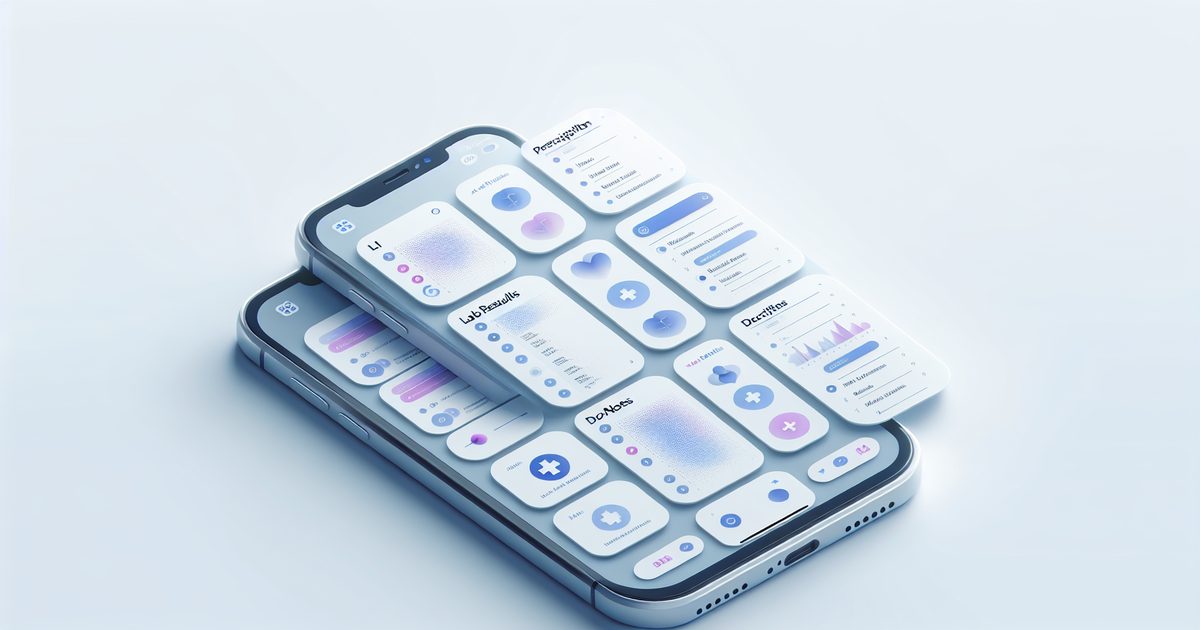
You're sitting in a new doctor's office and they ask for your last blood test results. You remember screenshotting them from your patient portal three months ago. Now you're frantically scrolling through 600 photos, sweating, while the doctor waits.
Sound familiar?
Most iPhone users have a graveyard of health screenshots buried in their camera roll — lab results, prescription labels, after-visit summaries, telehealth chat transcripts, insurance explanations, vaccine records. They're all somewhere. The problem is finding them when it actually matters.
This guide is about fixing that — turning your scattered health screenshots into a personal medical knowledge base you can actually use.
Why We Screenshot Health Info (And Why It Gets Messy)
Taking screenshots of health information is completely natural behavior. Patient portals have clunky interfaces. Telehealth apps disappear after your session ends. Your pharmacist explains something you want to remember. Your doctor rattles off instructions faster than you can write.
Screenshot. Done. Filed somewhere in the black hole of your camera roll.
According to a 2024 survey by the American Medical Association, nearly 60% of patients report difficulty tracking their own medical information across different providers and platforms. The gap between "I know I have that somewhere" and "I can find it right now" is where health management breaks down.
Common types of health screenshots people accumulate:
- Lab results from patient portals (blood panels, imaging reports, pathology)
- Prescription labels and dosage instructions
- After-visit summaries from primary care, specialists, urgent care
- Telehealth chat transcripts with nurses or doctors
- Insurance EOBs (Explanation of Benefits) and claim statuses
- Vaccine records and immunization history
- Pharmacy app confirmations for prescriptions filled or refills due
- Health app charts (blood pressure trends, glucose readings, sleep data)
- Medical articles or condition info your doctor recommended reading
That's a lot of screenshots. And if you have a chronic condition, are a caregiver for a parent or child, or simply see multiple specialists — the pile grows fast.
The Real Problem: You Can't Search What You Can't Find
Your iPhone does index some photo text via Live Text — you might be able to search "cholesterol" in the Photos app and get lucky. But it's inconsistent, slow to index, and gives you no organized structure. You still get a dump of raw images with no context.
What you actually need is:
- Instant text search across all your health screenshots
- Automatic categorization by type (lab, prescription, appointment, insurance)
- A summary of each screenshot so you don't have to re-read dense medical documents
- Privacy: your medical screenshots shouldn't be sitting on a cloud server indefinitely
How SuperShots AI Handles Health Screenshots
SuperShots AI was built precisely for this. You take the screenshot — the app does the rest.
Here's what happens when you share a health screenshot to SuperShots:
- On-device OCR (using Apple's Vision Framework) reads every word: medication names, dosage amounts, dates, provider names, lab values
- The extracted text is sent to the AI for smart summarization and tagging — no manual work
- Your screenshot gets a plain-English summary: "Blood panel results from March 2026. Cholesterol: 198. HDL: 55. Note: repeat test recommended in 6 months."
- The image is deleted from SuperShots servers within 3–10 seconds after processing — your medical data doesn't live in the cloud
The result: a searchable, labeled knowledge base of your health history. Type "cholesterol" and find every lab result you've ever screenshotted. Search "metformin" and pull up every prescription photo and dosage note.
Practical Use Cases: Who Benefits Most
People Managing Chronic Conditions
If you have diabetes, hypertension, autoimmune disease, or any condition requiring ongoing monitoring, you're probably juggling multiple providers, medications, and lab schedules. SuperShots lets you screenshot each result, get an instant AI summary, and build a timeline of your own health data — without manually maintaining a spreadsheet.
Caregivers and Parents
Taking care of an aging parent or a child with complex medical needs means tracking someone else's health alongside your own. Screenshot grandma's new prescription, the pediatrician's vaccine record, the specialist's follow-up instructions — all organized and searchable in one place.
Anyone Who Sees Multiple Specialists
Your cardiologist doesn't always talk to your endocrinologist. You become the connector. Having your own organized archive of what each specialist said, what tests were ordered, and what results came back makes you a much more informed — and safer — patient.
People Who Change Doctors or Move
Switching providers is one of the most stressful times to realize your records are scattered. Download SuperShots AI and start building your personal health archive before you need it. When the new doctor asks for history, you'll have it.
A Simple System: How to Build Your Health Screenshot Archive
You don't need to go back and organize years of old screenshots all at once (though you can). Start from today:
Step 1: Screenshot intentionally. When you get lab results, a prescription confirmation, a post-visit summary, or any health document — take a screenshot immediately.
Step 2: Share to SuperShots. From your Photos app, tap Share → SuperShots AI. The app reads, summarizes, and tags it in seconds.
Step 3: Search when you need it. In your next appointment, open SuperShots and search for the relevant info. "What was my A1C last quarter?" Done.
Step 4: Share with providers if needed. You can pull up summarized notes to read off or show relevant screenshots directly from the app.
"The single most useful thing you can do for your healthcare is keep your own organized records. Patients who come in knowing their history are better served by their providers." — Common advice echoed by primary care physicians
What SuperShots Does NOT Do
To be clear: SuperShots AI is a personal screenshot organizer, not a medical app. It doesn't:
- Interpret your lab results medically or diagnose anything
- Connect to hospital systems or patient portals directly
- Replace your doctor's advice or official medical records
- Store your images on a persistent cloud (images are deleted within 3–10 seconds of processing)
It's simply a smart tool to make your own screenshots searchable and understandable — so you can be a better-informed patient.
Frequently Asked Questions
Is it safe to screenshot medical information? Screenshotting your own health info for personal use is generally fine and widely practiced. SuperShots processes images on-device first and deletes them from servers in seconds — your sensitive data isn't sitting on someone's cloud.
Can SuperShots read handwritten doctor notes? It works best with digital text (patient portal printouts, app screenshots, typed pharmacy labels). Handwritten notes can be hit-or-miss depending on legibility.
What if I have years of old health screenshots? You can share multiple screenshots at once. Even going back to organize a backlog is worth doing — the search benefit kicks in immediately once they're processed.
Does SuperShots work for screenshots from different countries or languages? Yes. Apple's Vision Framework supports multiple languages, so lab results in Spanish, French, or German can be read and organized too.
Start Your Personal Health Archive Today
Your health history is too important to leave buried in your camera roll. Every lab result, prescription note, and doctor's instruction deserves to be findable in seconds — not lost in a sea of food photos and memes.
SuperShots AI turns your iPhone into a personal health record system — one screenshot at a time.
Download SuperShots AI → https://apps.apple.com/app/id6755468492
Your next doctor's appointment will go smoother. Promise.